Color contrast on WordPress: ratios, tools and easy fixes
WCAG contrast ratios explained: 4.5:1 for text, 3:1 for large text and controls, how to measure them and how to fix low-contrast designs.
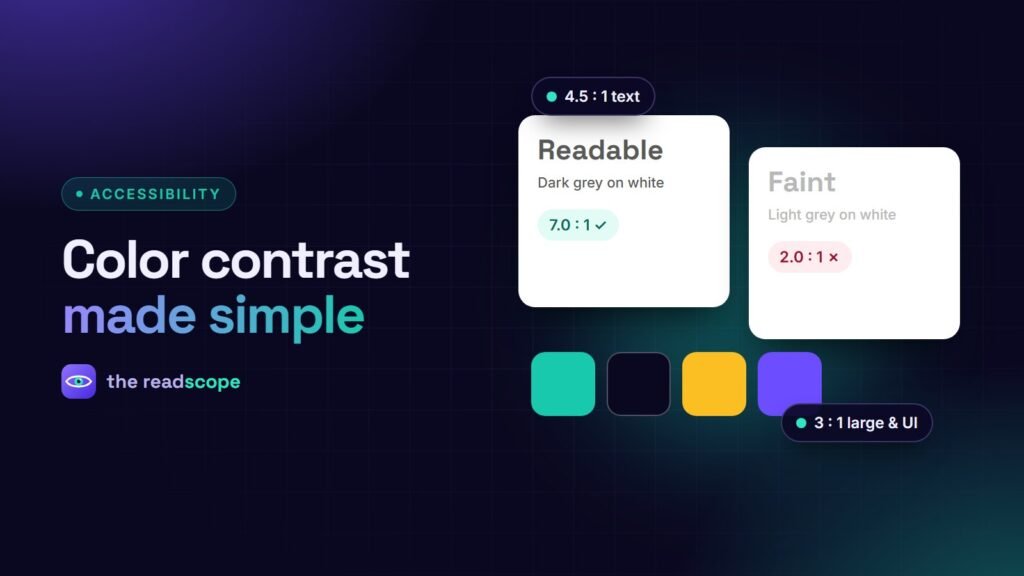
Low contrast is the most common accessibility failure on the web. It affects people with low vision, people in bright sunlight and almost everyone on a cheap phone screen. The good news: it is measurable and usually easy to fix.
The numbers to know
| What | AA | AAA |
|---|---|---|
| Normal text | 4.5:1 | 7:1 |
| Large text (24 px, or 18.66 px bold) | 3:1 | 4.5:1 |
| UI components and meaningful graphics | 3:1 | no AAA rule |
The ratio is calculated from the relative luminance of two colors. White on black is 21:1; a mid-grey like #777 on white is about 4.5:1, right at the line.
Where WordPress sites usually fail
- Light grey body text and captions
- White text on a pale brand color or a photo
- Placeholder text in form fields
- Link color that barely differs from surrounding text
- Disabled-looking buttons that are actually active
- Focus rings that disappear against the background
- Text laid over hero images or video
How to measure
- Use the color picker in your browser’s developer tools, which shows the ratio and a pass or fail.
- Use a contrast checker with your foreground and background hex values.
- Check each state: default, hover, focus, active and disabled.
- For text over images, check the worst area, not the average.
- Test in dark mode too if your site has one.
Fixes that rarely hurt the design
- Darken the text a step or two; keep the hue.
- Put a solid or semi-opaque panel behind text on images.
- Use a darker shade of the brand color for text and keep the bright one for fills.
- Underline links, so they are not identified by color alone.
- Define colors once as variables in your theme so one change fixes every place.
Let a scan find the offenders
An automated scan is good at contrast. AccessIQ reports contrast issues with the exact element and severity, tracks your score over time, and lets you choose WCAG 2.1 or 2.2 and level A, AA or AAA. Its Pro edition adds an AI Contrast Fixer that suggests a color change for a failing pair. Scans cannot judge text on complex backgrounds, so keep a manual eye on hero areas.
More checks in WCAG 2.2 checklist for WordPress sites and The 10-minute keyboard test every WordPress site should pass.
Frequently asked questions
What contrast ratio do I need for body text?
At least 4.5:1 at level AA. Level AAA asks for 7:1.
What counts as large text?
Text at 24 CSS pixels or larger, or 18.66 pixels or larger in bold. It needs 3:1 at level AA.
Do buttons and icons need contrast?
Yes. User interface components and graphics needed to understand content need at least 3:1 against adjacent colors (WCAG 1.4.11).
Does placeholder text need contrast?
Yes, if it carries meaning. Light grey placeholders are a common failure. Use visible labels as well.