How to write alt text that actually helps (with examples)
A practical guide to alt text: when to describe, when to leave it empty, how long it should be, and examples for photos, icons, charts and logos.
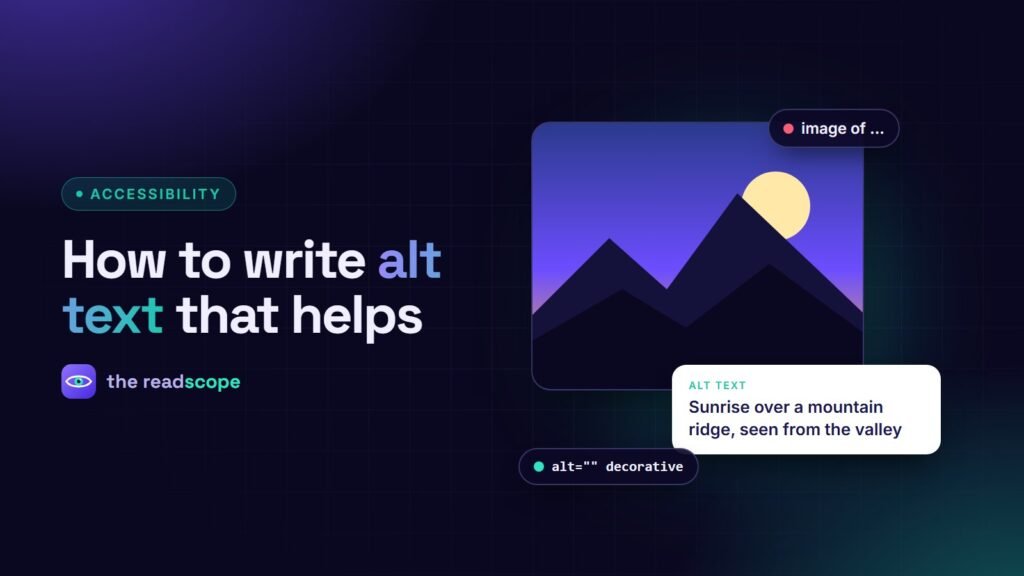
Alt text is the short description a screen reader reads in place of an image. It also appears when an image fails to load. Good alt text is one of the cheapest accessibility improvements you can make, and it is easy to get wrong in both directions: missing, or stuffed with keywords. This guide shows how to decide what to write.
The one question to ask
Ask: “If I could not see this image, what would I need to know to get the same value from the page?” The answer depends on context. The same photo of a person might need their name on a team page and nothing at all in a decorative banner.
Examples by image type
| Image type | What to do | Example |
|---|---|---|
| Informative photo | Describe what matters in context | alt="Volunteers sorting donated food into boxes" |
| Image used as a link or button | Describe the destination or action | alt="Download the 2025 report (PDF)" |
| Icon with visible text next to it | Treat as decorative | alt="" |
| Icon on its own | Name the function | alt="Search" |
| Logo | Use the organization name | alt="The Readscope" |
| Chart or graph | State the main finding, put the data in text or a table | alt="Line chart: sign-ups tripled between January and June" |
| Purely decorative flourish | Empty alt | alt="" |
Rules of thumb
- Be concise. One short phrase or sentence is usually enough.
- Skip “image of” and “picture of”. The role is already announced.
- Do not repeat the caption. If a caption says it, the alt can be short or empty.
- Include text that is in the image. A screenshot of a message should include the important words.
- Write for the reader, then for search. Natural wording beats keyword stuffing.
Where WordPress makes it easy to forget
- The Media Library has an Alternative Text field. Fill it when you upload.
- Featured images take their alt text from the Media Library, not from the post.
- Page builders have per-widget alt fields that can override the library value.
- Tracking pixels and spacer images should have an empty alt.
Find the gaps quickly
An automated scan is very good at one thing: finding images with no alt attribute at all. AccessIQ flags them with the exact element, and its Auto-Fix engine can fill missing alt text from your Media Library values and set alt="" on tracking pixels and spacers. It deliberately leaves meaningful images for you to describe, because software cannot know your intent. The Pro edition adds an AI alt text generator that uses your own API key and runs only when you click.
A 5-minute habit
- Before publishing, read each image’s alt aloud. Does it make sense without seeing the picture?
- Delete any that only repeat the surrounding text.
- Scan the page for missing attributes.
Related reading: WCAG 2.2 checklist for WordPress sites.
Frequently asked questions
How long should alt text be?
As short as it can be while still communicating the purpose. A short phrase or one sentence is usual. There is no strict limit, but very long descriptions belong in the page text.
Should I use alt text for decorative images?
Use an empty alt attribute (alt="") so screen readers skip them. Do not leave the attribute out, because some screen readers then read the file name.
Do I need to write 'image of' or 'photo of'?
No. Screen readers already announce that it is an image.
Does alt text help SEO?
It helps search engines understand images, but write it for people first. Stuffing keywords makes it worse for everyone.