In this article
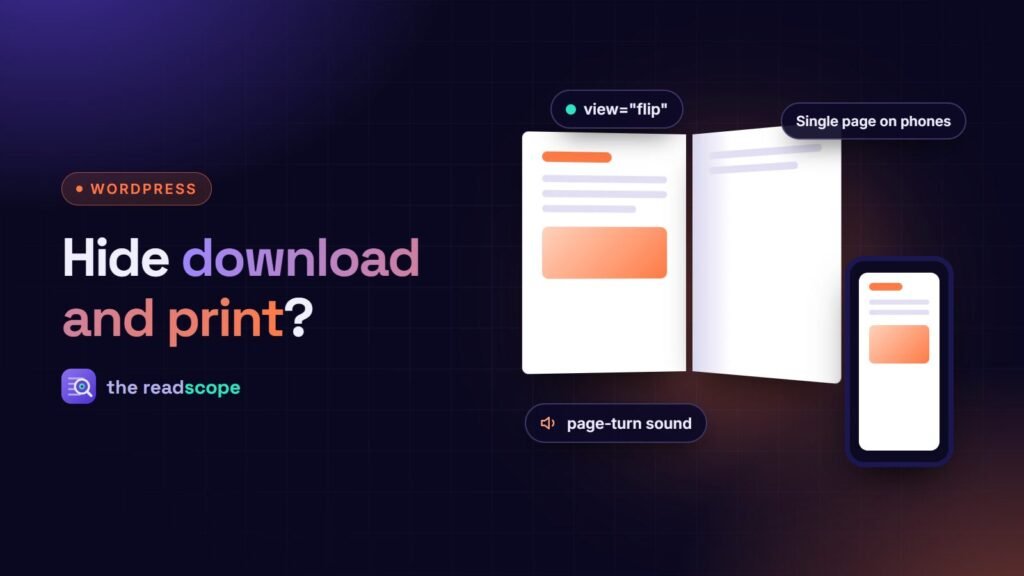
A common request: “We want people to read our PDF on the page, but not download or print it.” Every PDF viewer, including ours, can hide those two buttons. It is worth being clear about what that achieves, so you pick the right tool for what you actually need. This is general information, not legal or security advice.
What hiding the buttons does
- Tidier toolbar. Fewer controls, less to look at. Good for a menu, a brochure or a catalogue that exists to be read.
- Clearer purpose. A visitor who sees only “next page” and “zoom” understands that this is a document to read here.
- Less casual copying. Most people click the button that is in front of them and stop there.
What it does not do
To show a PDF, the browser has to receive the PDF. The file is downloaded to the visitor’s device, and the address of that file is in the page. Someone who looks at the page source or the network tab can fetch it directly. They can also take screenshots, or print to a file from the browser’s own menu. No viewer setting changes this, and a viewer that claims otherwise is overselling. If a document would harm you or someone else if it spread, a hidden button is not the answer.
Choosing the right level
- Public document, read-only feel. Hide download and print. Nothing is secret, you just want a calm page. Done.
- Customers only. Put the document on a page that requires a login, using a membership, course or customer area plugin, or a password-protected page. The file should not be reachable by a guessable public link.
- Genuinely confidential. Send it through a secure channel to named people, with an expiring link or an access list. A web page is the wrong place.
- Traceable. Add a visible watermark with the recipient’s name or email to the file before sharing. It will not stop copying, but it discourages it.
How to do it with Flipset
With Flipset, the site-wide default is in Flipset → Settings. For a single document, set the attributes on the shortcode:
[flipset file="https://example.com/wp-content/uploads/menu.pdf" download="false" print="false"]The block has matching toggles. To hide other controls, use the hide attribute, for example hide="share,fullscreen". Accepted names include nav, zoom, fit, rotate, view, pan, download, print, search, theme, share, shortcuts, presentation and fullscreen.
If you do keep the download button and want to control or count downloads, developers can use the flipset/download_url filter to send the button through their own protected or tracked endpoint. The viewer itself runs from your own site, and nothing is loaded from a CDN. See How to embed a PDF in WordPress without a CDN.
Do not make it harder for people who need the file
- Accessibility. Some visitors rely on downloading the file to open it in a reader they know, or to print it in a larger size. If the document matters to them, consider offering a plain link or an accessible web version. See Are your PDFs accessible and searchable? A practical WordPress checklist.
- Is a PDF the right format? If you mainly want people to read it on screen, a normal web page is often better. See PDF or web page? When to publish each in WordPress.
- Say what is allowed. If the content has a licence or terms, state them on the page, in a sentence.
In short: hide the buttons for tidiness and focus, use access control for secrecy, and never describe the first as the second.
Frequently asked questions
If I hide the download button, can people still get the file?
Yes. The browser has to receive the PDF to show it, so anyone with some technical knowledge can save it. Hiding the button is a courtesy, not a lock.
How do I hide download and print with Flipset?
Use the site default under Flipset → Settings, or set it for one embed: [flipset file="..." download="false" print="false"]. Other controls can be hidden with hide="share,fullscreen".
What should I use for a document that must stay private?
Do not put it in a public address. Require a login (a membership or learning plugin, or a password-protected page) and serve the file from a protected location. Flipset has a filter, flipset/download_url, for sending the download link through your own endpoint.
Will a watermark help?
A visible watermark in the PDF itself makes leaks easier to trace and less attractive. It has to be added to the file before upload.
Is it ever right to hide the buttons?
Yes: for a menu on a restaurant page, a brochure you want read on the page, or a kiosk-style display, where download and print would only be clutter.