Skip to content
PDF & documents · Free + Pro

Flipset PDF viewer, 3D flipbook and document library

Flipset embeds PDFs with a bundled PDF.js viewer, 3D flipbook and a document library. Searchable PDF text, accessible controls, no CDN.

WordPress.org · Leave a review · Docs

Version
v1.1.2
Last updated
10 Nov 2026
Tested up to
WordPress 7.1.4
Overview

What Flipset does

Flipset puts PDFs on your pages with a PDF.js viewer that ships inside the plugin. Use a shortcode, a Gutenberg block, an Elementor, Divi or Beaver Builder widget, or paste a PDF link on its own line.

Nothing is loaded from a CDN and no outside service or API key is involved. The PDF is drawn in the visitor's browser from a file on your own site, so pages stay fast and your documents stay yours.

Who it is for

  • Publishers, schools and businesses that put brochures, reports, menus or catalogues online as PDFs
  • Sites that want a 3D flipbook or a document library without sending files to an outside service
  • Teams that care about keyboard and screen reader access, and want searchable PDF text
Key features

What you get with Flipset

  • Bundled PDF.js

    No CDN, no external service, no API key. Rendering happens in the visitor's browser, from files on your own site.

  • Four ways to read

    Single page, continuous scroll, two-page spread or a 3D flipbook, with light, dark and sepia themes.

  • Document library

    A grid of your Media Library PDFs with first-page thumbnails, search and pagination. A document opens in place.

  • Searchable PDF text

    WordPress search finds words inside the PDFs you embed, so documents show up in your own site search.

  • Accessible controls

    Labelled buttons, visible focus, full keyboard control and screen reader page announcements.

  • Works where you build

    Gutenberg blocks and native Elementor, Divi and Beaver Builder widgets, with WPML and Polylang support.

Requirements Requires: WordPress 6.0PHP: 7.4 or newerLicense: GPLv2 or later

In detail

How Flipset works

01

3D flipbook

Turn a brochure, menu or catalogue into something people want to page through.

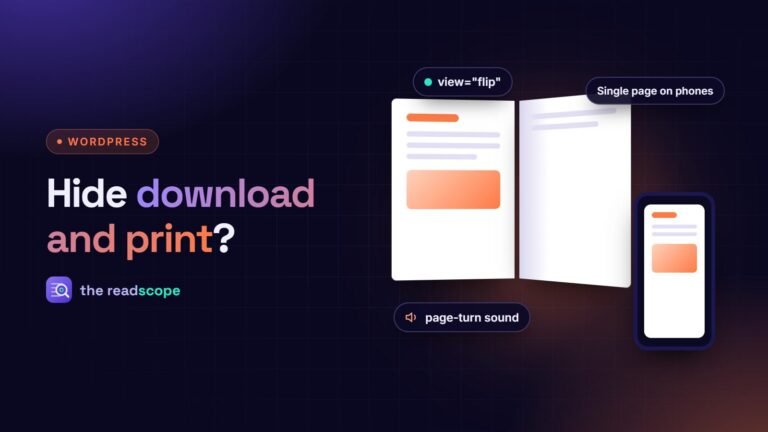
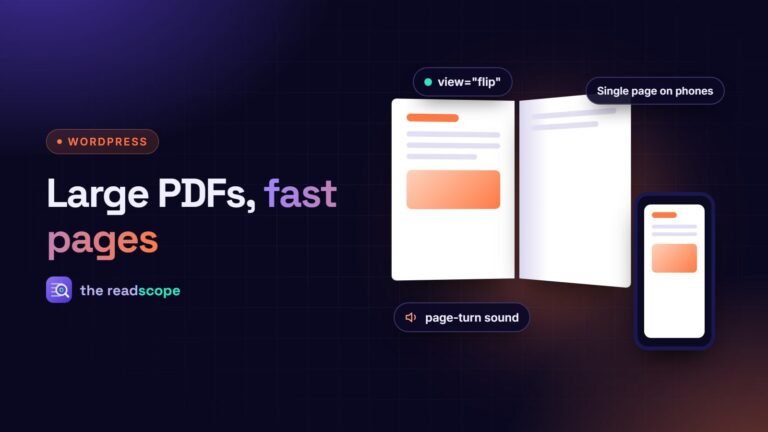
  • A realistic page curl, with a short page-turn sound generated in the browser (no audio files).
  • Pinch to zoom and swipe to turn pages on touch screens.
  • Spread and flipbook views fall back to a single page on narrow screens.
[flipset file="https://example.com/brochure.pdf" view="flip"]
02

Document library

List every PDF you have uploaded in one searchable grid, with no manual work per document.

  • First-page thumbnails, a search box and pagination.
  • A document opens in place, without leaving the page.
  • Native library blocks and widgets for Gutenberg, Elementor, Divi and Beaver Builder.
[flipset_library]
03

Searchable PDF text

Make the words inside your PDFs findable from your own site search.

  • Text is extracted in your browser from Flipset → Docs & Features and stored on your site.
  • Posts and pages that embed a PDF then match in WordPress search.
  • Open Graph and Twitter image from the first page, plus Schema.org DigitalDocument data.
  • A plain link to the PDF is shown when JavaScript is off.
04

Choose what visitors see

Show the full toolbar, or a calm reader with only the controls you want.

  • Show or hide download, print, search, share and other controls, per embed or site-wide.
  • Start on a page you choose, with #page=4 deep links and last-page resume on the visitor's device.
  • A share dialog for X, Facebook, LinkedIn, WhatsApp, email and copy link.
[flipset file="https://example.com/menu.pdf" download="false" print="false"]
Everything included

25 features in the free plugin

  • Viewer

    Shortcode and block

    A shortcode and a Flipset Viewer block with a Media Library picker and first-page preview.

  • Viewer

    Paste a link

    Put a direct .pdf link on its own line to embed it.

  • Viewer

    Full toolbar

    Zoom, fit page or width, rotate, find with match count, thumbnails, outline, hand tool, fullscreen and presentation mode.

  • Viewer

    Selectable text

    Text can be selected and links inside the PDF work. Password-protected PDFs ask for the password.

  • Viewer

    Reading themes

    Light, dark and sepia.

  • Viewer

    CORS message

    A clear message with a direct link when a PDF on another domain blocks access.

  • Views

    Single page

    One page at a time.

  • Views

    Continuous scroll

    The whole document in one scroll.

  • Views

    Two-page spread

    Facing pages like a printed book.

  • Views

    3D flipbook

    Page curl and page-turn sound, with touch support.

  • Library

    Library grid

    A shortcode and block that list your Media Library PDFs with search and pagination.

  • Library

    Docs & Features screen

    Your PDFs with preview, search-index status and accessibility status, with one-click shortcodes.

  • Library

    Shortcode Builder

    Live preview and presets. Save an embed once and reuse it by ID.

  • SEO & search

    Site search

    PDF text is stored on your site so posts that embed a PDF match in WordPress search.

  • SEO & search

    Social image

    Open Graph and Twitter image from the first page, unless an SEO plugin already sets one.

  • SEO & search

    Structured data

    Schema.org DigitalDocument.

  • Accessibility

    Keyboard control

    Labelled toolbar buttons, visible focus and full keyboard use.

  • Accessibility

    Screen readers

    Page changes are announced, and reduced-motion preference is respected.

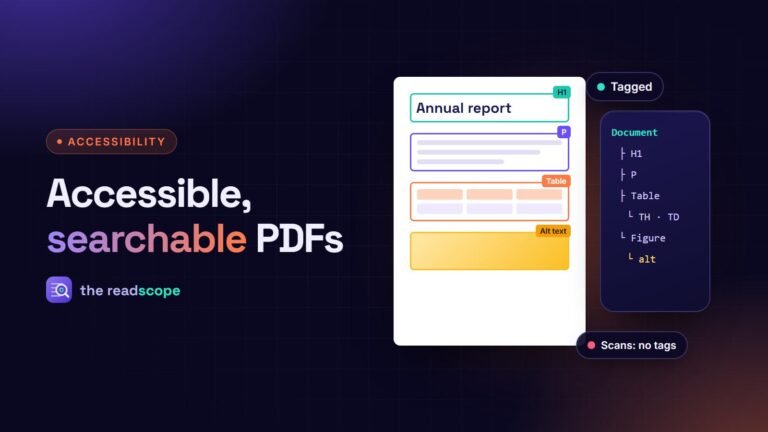
  • Accessibility

    Tagged-PDF check

    Docs & Features marks PDFs that are not tagged for accessibility.

  • Builders

    Page builders

    Native Elementor, Divi and Beaver Builder widgets for the viewer and the library.

  • Builders

    Translations

    WPML and Polylang: the translated Media Library PDF is swapped in per language.

  • Builders

    Cache plugins

    Script exclusions for WP Rocket, W3 Total Cache, Autoptimize, LiteSpeed Cache and SiteGround Optimizer.

  • Developers

    Hooks and events

    Public filters and actions, and DOM events such as flipset:ready and flipset:pagechange.

  • Developers

    WP-CLI

    wp flipset status, reindex and clear_cache.

  • Developers

    Clean uninstall

    Settings and Flipset data are removed. Your media is kept.

FAQ

Questions about Flipset

Does Flipset send my documents to a third-party server?

No. PDFs are rendered in the visitor's browser with a copy of PDF.js that ships inside the plugin. Nothing is loaded from a CDN. The few outside links, such as the share buttons, open only when a visitor clicks them.

How do I show the 3D flipbook?

Add view="flip" to the shortcode, or choose 3D FlipBook in the Flipset Viewer block. On narrow screens it falls back to a single page.

Shortcode or block?

They render the same viewer. Use the block in the editor for a file picker and preview, and the shortcode in the classic editor, widgets or templates.

Does it work with Elementor, Divi and Beaver Builder?

Yes. Each has a Flipset Viewer and a Flipset Library widget, and Gutenberg has matching blocks.

Does it work with WPML or Polylang?

Yes. Translate the PDF in the Media Library and Flipset swaps in the file for the current language.

The viewer is blank after I turned on a cache plugin. What now?

Flipset excludes its scripts from minify, combine and delay in WP Rocket, W3 Total Cache, Autoptimize, LiteSpeed Cache and SiteGround Optimizer. If another optimizer still combines them, exclude flipset-viewer.js, pdf.min.js and pdf.worker.min.js.

A PDF from another website will not load. Why?

The file host must allow your site to fetch it (CORS headers). PDFs in your own Media Library work without extra setup.

Pricing

Flipset plans

Free

$0

Unlimited sites

Download free
  • PDF viewer, 4 view modes and 3D flipbook
  • Document library and Shortcode Builder
  • Searchable PDF text, OG cover, schema
  • Keyboard and screen reader support
  • Gutenberg, Elementor, Divi, Beaver

Personal

$49/yr

1 site · or $129 lifetime

Buy Personal
  • Everything in Free
  • All 17 Pro modules
  • Secure Mode, locks and watermark
  • Analytics, leads and WooCommerce
  • EPUB reader and bookmarks
Most popular

Business

$99/yr

5 sites · or $249 lifetime

Buy Business
  • Everything in Personal
  • 5 site activations
  • Priority email support
  • Lead webhooks and GA4 events
  • Membership integrations

Agency

$199/yr

Unlimited sites · or $499 lifetime

Buy Agency
  • Everything in Business
  • Unlimited site activations
  • White label and branding removal
  • Embed on client websites
  • Top-priority support

14-day money-back guarantee on paid plans · Secure checkout · Refund policy

Changelog

What changed in Flipset

v1.1.2

  • New: sort menu for the document library (sort_control="true"): Newest, Oldest, Title A–Z and Title Z–A. It re-sorts in place, keeps your search, goes back to page 1 and tells screen readers what changed.
  • New: list layout for the library (layout="list") and an optional grid / list switch for visitors (layout_toggle="true"). The visitor’s choice is remembered in their own browser; nothing is stored on your site.
  • New: library cards show the page count (“PDF · 12 pages · 198.9 KB”) for PDFs whose text has been indexed in Flipset → Docs & Features. Nothing is shown when no page count is stored.
  • New: the Flipset Library block has settings for the sort menu, the layout and the layout switch. Existing pages and blocks are unchanged unless you turn them on.
  • Improved: code documentation and internal quality (every class and method is documented; the plugin passes its coding-standards check).
  • Improved: this readme now has quick links, an at-a-glance summary, a quick start, a shortcode reference and more questions answered.
  • Fixed: an unrecognised value in an on/off shortcode or block attribute (for example search="maybe") fell back to “off” in 1.1.1; it now falls back to that attribute’s default again.

v1.1.1

  • Improved: PDF library design. Cards have a consistent 3:4 cover, a two-line title and a muted “PDF · size” line; the grid follows the columns setting and drops to 2 columns on tablets and 1 on phones; clearer keyboard focus, hover that respects “reduce motion”, RTL support, theme-friendly colours with AA contrast, a loading bar and a “No documents found” state.
  • Improved: opening a document in the library moves focus into the viewer, and Esc closes it and returns focus to the card. After searching or changing page, focus stays on the library instead of jumping to the top of the page.
  • Improved: the viewer says “Still loading…” if a very large file or a slow connection stalls for 20 seconds, instead of staying blank.
  • Improved: toolbar buttons are 40px on touch tablets, not only on phones.
  • Fixed: resizing or zooming while a PDF was still loading could stop a page from rendering (“Cannot use the same canvas…”).
  • Fixed: a library search with no results reloaded the whole page instead of updating in place, and a new search stayed on the old page number.
  • Fixed: the Shortcode Builder made the page scroll sideways on phones, and its Copy / Create test page buttons ran off the card.
  • Fixed: admin text in Bengali and other non-Latin languages now falls back to a system font that has those characters.

v1.1.0

  • New: choose your own cover image for any PDF. In Flipset → Docs & Features, use “Change cover” (and “Reset cover” to go back to the first page). The cover is used in the document library, the Open Graph and Twitter image, and the structured data.
  • Improved: cleaner admin screens. One type scale, the Inter font bundled with the plugin (no request leaves your site), consistent weights and spacing, and better text contrast.
  • Improved: Shortcode Builder tab labels no longer get cut off, and the cards on the Features screen line up.
  • Fixed: tagged PDFs were reported as “Untagged” in the accessibility check.
  • Added: an intro video on the plugin page.
  • Developer: new Flipset_Thumbnails::get_cover_id() and get_generated_id(); get_thumbnail_id() now returns the custom cover when one is set.

Full changelog →

Try Flipset today

Pick a product and be live in minutes. Free plans available.

Find your product