Skip to content
Cookie consent · Free

Consentaro Light cookie consent with Google Consent Mode v2

Consentaro is an ultra-light Google Consent Mode v2 plugin with a simple cookie banner, GTM loading after consent and WooCommerce event gating.

WordPress.org · Leave a review · Docs

Version
v1.7.0
Last updated
26 Oct 2026
Tested up to
WordPress 7.1.4
Overview

What Consentaro does

Consentaro asks visitors for a clear cookie choice, remembers it, and tells Google what is allowed, without a heavy cookie suite.

It is a tool that helps you ask for and respect consent. It is not legal advice and does not replace a privacy policy or a review for your region.

Who it is for

  • Site owners who need a simple cookie banner with a clear Accept, Deny and Customize choice
  • Stores that run Google Tag Manager and need Consent Mode v2 set up correctly
  • WooCommerce shops that want ecommerce events sent only after consent
Key features

What you get with Consentaro

  • Accept, Deny, Customize

    A friendly banner with clear choices, shown when it is needed.

  • Consent Mode v2

    Defaults are denied until the visitor chooses, then updated with their choice.

  • GTM after a choice

    Google Tag Manager loads only after a choice, or when no banner is required.

  • Trackers held back

    Known trackers such as Analytics, Meta Pixel and TikTok Pixel stay inert until their category is granted.

  • Anonymous insights

    Daily counts of Accept, Deny and Customize, with no visitor data or IP addresses stored.

  • Keyboard accessible

    Focus management, a focus trap and Escape support in the Customize dialog.

Requirements License: GPLv2 or laterRequires: WordPress 6.6PHP: 8.0 or newer

In detail

How Consentaro works

01

A banner visitors can use

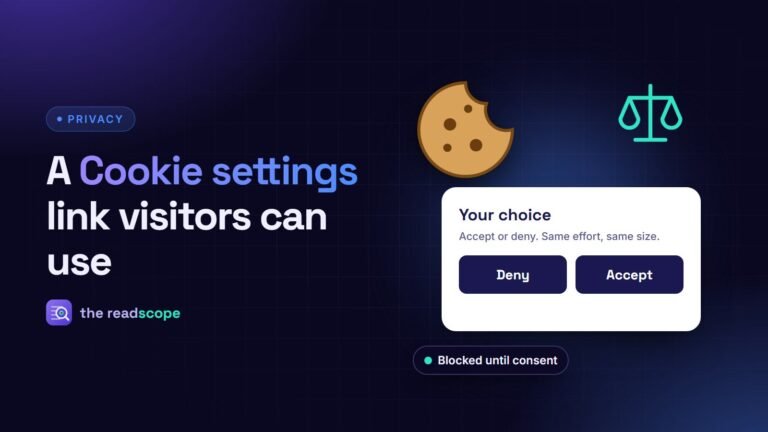
Clear Accept, Deny and Customize buttons, and a way to change the choice later.

  • Editable text and button labels, and a privacy policy page picker.
  • A colour contrast check against WCAG AA.
  • Live preview for desktop and mobile, preset themes, border radius and font size.
  • A "Cookie settings" link for visitors who want to change their mind.
[consentaro_settings]

02

Trackers wait for consent

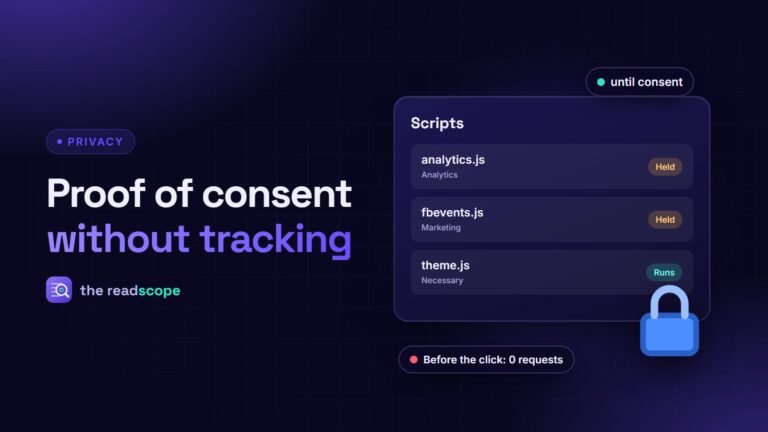
Nothing that needs consent runs before the visitor has chosen.

  • Consent Mode v2 defaults set to denied, then updated.
  • Google Tag Manager loads only after a choice.
  • Known third-party scripts are held until the matching category is granted.
  • A review screen to override any script's category.
03

Built for WooCommerce stores

Ecommerce events respect the same choice as everything else.

  • WooCommerce dataLayer events (view item, add to cart, purchase) are gated by consent.
  • Plays well with WP Rocket, LiteSpeed Cache and W3 Total Cache.
  • WPML and Polylang: a banner text for each language.
04

See the choices, not the people

Understand how visitors respond without keeping a record of any one of them.

  • An Insights tab with anonymous daily Accept, Deny and Customize counts.
  • No IP addresses and no individual records.
  • An optional, anonymised consent log, off by default, for sites that need proof of consent.
Everything included

18 features in the free plugin

  • Banner

    Accept, Deny, Customize

    Shown when a banner is required.

  • Banner

    Design

    Live preview, border radius, button layout, font size and preset themes.

  • Banner

    Text and links

    Editable banner text, button labels and a privacy policy page picker.

  • Banner

    Contrast check

    A colour contrast check for WCAG AA.

  • Banner

    Cookie settings link

    A shortcode so visitors can change their choice later.

  • Consent

    Consent Mode v2

    Defaults denied until the visitor chooses.

  • Consent

    Google Tag Manager

    Loads only after a choice, or when no banner is required.

  • Consent

    Tracker holding

    Known trackers are held until the matching category is granted, with a review screen.

  • Consent

    EU/EEA focus

    Optionally show the banner to EU/EEA-style visitors only.

  • Consent

    EU preview

    Preview the banner as an EU visitor from wp-admin without changing a setting.

  • WooCommerce

    Event gating

    View item, add to cart and purchase events wait for consent.

  • Records

    Insights

    Anonymous daily counts of each choice.

  • Records

    Consent log

    Optional and off by default; anonymised proof of consent.

  • Setup & tools

    Setup checklist

    GTM ID, banner text, privacy link and a private-window test.

  • Setup & tools

    Guide tab

    A plain-English walkthrough inside wp-admin.

  • Setup & tools

    Complianz import

    Best-effort import of banner text, position and colours, with a preview.

  • Setup & tools

    Translations

    Translation-ready, with WPML and Polylang support.

  • Setup & tools

    Developers

    Documented filters and actions.

Learn more

Guides and docs for Consentaro

Privacy

ভিজিটর যেন কুকির সিদ্ধান্ত বদলাতে পারেন: ওয়ার্ডপ্রেসে “Cookie settings” লিংক

সম্মতি দেওয়া এক ক্লিকের কাজ হলে তুলে নেওয়াও ততটাই সহজ হওয়া উচিত। কুকির পছন্দ আবার খোলার স্থায়ী লিংক কীভাবে যোগ করবেন এবং কীভাবে পরীক্ষা…

২ মিনিটে পড়া
FAQ

Questions about Consentaro

Does Consentaro support Google Consent Mode v2?

Yes. It sets the Consent Mode defaults and updates them when the visitor makes a choice.

Does Google Tag Manager load before consent?

No. GTM loads only after a choice. Known trackers are also held back until consent.

Does it work with WooCommerce?

Yes. WooCommerce dataLayer events are gated by consent.

Is it free?

Yes, Consentaro is free.

What does it record about visitors?

Only anonymous daily counts of consent choices, available as insights in the plugin.

Does it make me GDPR compliant?

It is a tool that helps you ask for and respect consent. Compliance also depends on your privacy notice, the tools you run and your local rules, so check with a qualified professional.

Pricing

Consentaro plans

Always free

Free

$0

Unlimited sites

Download free
  • Consent Mode v2
  • Banner with live preview
  • Script blocking
  • WooCommerce events
  • Insights

14-day money-back guarantee on paid plans · Secure checkout · Refund policy

Changelog

What changed in Consentaro

v1.7.0

  • Added: “Cookie settings” link. Use the [consentaro_settings] shortcode (or any element with data-consentaro-action=”reopen”) in a footer, menu or page. It reopens the preferences dialog with the visitor’s saved choice ticked; switching a category off reloads the page so scripts that already ran are not left running
  • Added: “Preview as EU visitor” in wp-admin. An admin-only, nonce-protected front-end preview of the banner that never records a decision or changes a setting
  • Added: setup checklist (GTM container ID, banner text, privacy policy link, test in a private window)
  • Added: editable banner text and Accept / Deny / Customize button labels, plus a privacy policy page picker (or a custom URL) linked from the banner
  • Added: colour contrast check in the Design tab, flagging banner colours below the WCAG AA ratio of 4.5:1
  • Improved: Insights shows the accept rate and, when the Consent Log is on, compares its totals over the same date range; saved Consent Log rows stay visible after logging is switched off
  • Improved: admin screens reorganised, with an unsaved-changes indicator and clearer tab copy
  • Developers: new filters consentaro_consent_log_query and consentaro_consent_log_admin_url for add-ons; the [consentaro_settings] shortcode is documented in docs/hooks.md

v1.6.0

  • Added: best-effort settings import from Complianz — detects an active Complianz installation, previews a mapping of banner text/position/colors into Consentaro, and only applies it on explicit confirmation; CookieYes is detected but not yet supported (its free version stores banner styling as pre-rendered HTML, not structured settings)
  • Added: developer hooks reference (docs/hooks.md on GitHub) documenting all filters and actions for customizing Consentaro’s behavior
  • Improved: verified script-blocking performance on large pages (500+ script tags), confirmed the Insights log stays bounded under high-traffic simulation, and audited options for persistent object-cache (Redis/Memcached) compatibility

v1.5.1

  • Added: WPML and Polylang compatibility — banner text can now be translated per language via each plugin’s String Translation screen; all other UI strings already work through WordPress’s standard translation system

Full changelog on WordPress.org

Try Consentaro today

Pick a product and be live in minutes. Free plans available.

Find your product