WooCommerce cookie consent checklist: 10 things to check before you launch
A store usually runs more trackers than its owner remembers. Ten checks to make sure nothing fires before the visitor has chosen.
Online stores are tracker magnets: analytics, ad pixels, chat widgets, reviews, payment add-ons. Each one may set cookies or send visitor data, and many laws ask for consent before that happens. This is general information, not legal advice, so check your own situation with a qualified professional.
The checklist
- List every script. Open the store in a private window and check the Network tab on the home, product, cart and checkout pages. Write down every third-party domain.
- Sort them. Strictly necessary (cart, login, payment security) versus analytics, advertising and everything else. Only the first group may run without consent.
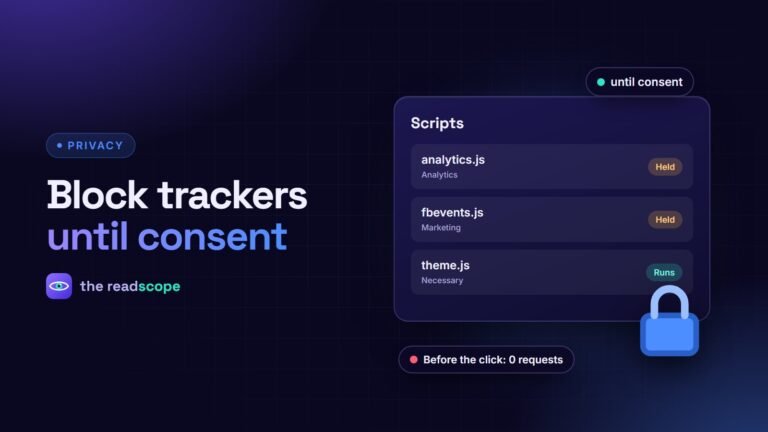
- Hold the rest until consent. Scripts must not load, or must be paused, until the visitor accepts the matching category.
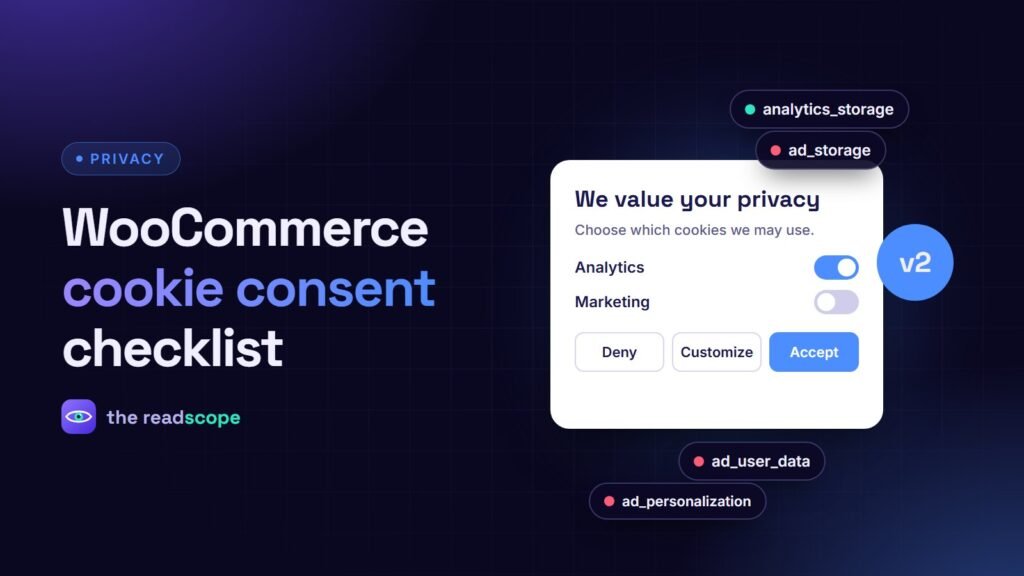
- Set Consent Mode defaults to denied for analytics and advertising storage, before any Google tag runs. See Google Consent Mode v2 for WooCommerce, in plain English.
- Load Google Tag Manager after a choice, or make sure its tags respect the consent signals.
- Gate ecommerce events. Purchase, add to cart and view item events should be pushed to the data layer only for visitors who agreed.
- Use a fair banner. Accept, Deny and Customize with equal prominence, no pre-ticked boxes, and plain wording.
- Make the choice easy to change. Add a link such as “Cookie settings” in the footer so people can withdraw consent as easily as they gave it.
- Update the privacy policy. Name the tools, what they collect, why and for how long, and who receives the data.
- Test again after changes. New plugins and tag changes can add trackers. Repeat the private-window test, declining everything, and confirm that no analytics or advertising requests appear.
Common mistakes
- The banner is shown, but scripts already ran before the visitor clicked.
- Only the home page was tested, while the checkout loads extra widgets.
- A tag manager container still contains an old pixel nobody remembers.
- “Decline” is hidden behind a second screen.
Speed matters too
A banner should not slow the store. See Cookie banners and page speed: how to keep consent light for how to keep it light. A tool such as Consentaro sets Consent Mode defaults, loads Tag Manager after a choice and gates WooCommerce data layer events, so most of the checks above are handled for you. You still need to confirm the result with the private-window test.
Frequently asked questions
Does a WooCommerce store need a cookie banner?
If the store sets non-essential cookies or runs analytics, advertising or similar tools, many laws require consent first. Strictly necessary cookies, such as the cart, do not.
Are cart and checkout cookies a problem?
Strictly necessary cookies that make the cart and checkout work usually do not need consent, but they should be described in your privacy policy.
What is Consent Mode v2?
A Google feature that tells Google tags whether the visitor has agreed to analytics and advertising storage, so tags behave accordingly.
How do I test it?
Open the store in a private window, decline everything and watch the Network tab. No analytics or advertising requests should appear.