European Accessibility Act: what WordPress site owners need to know
The European Accessibility Act applies from 28 June 2025. Who it covers, what it expects from websites and online shops, and a practical to-do list.
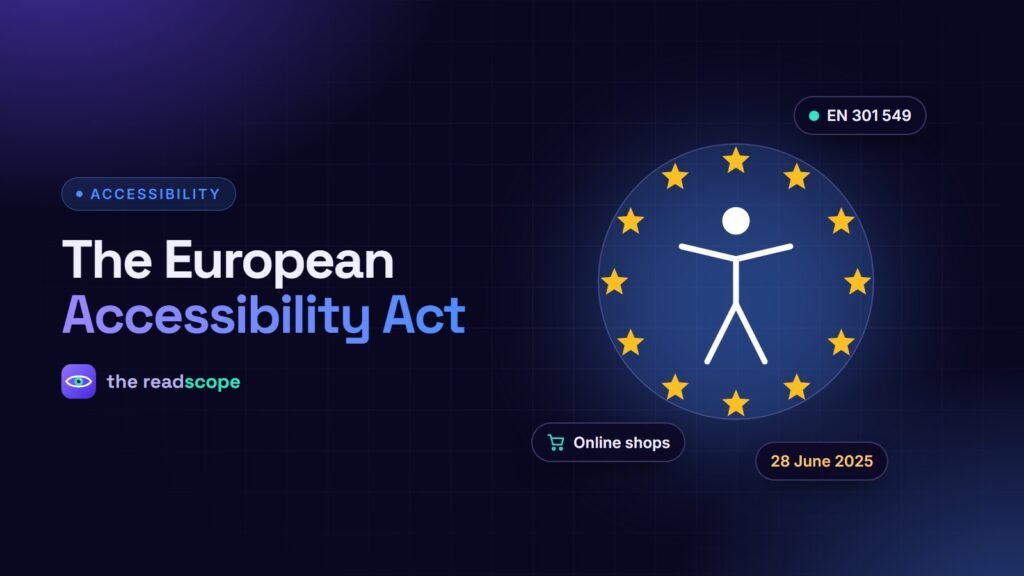
The European Accessibility Act (EAA) is an EU directive that sets accessibility requirements for a range of products and services. Member states had to start applying it on 28 June 2025. For WordPress site owners, the question is simple: does it cover what I sell, and what should my site do about it?
What it covers
The Act applies to specific categories. Those most relevant to websites include:
- E-commerce services (online shops selling to consumers)
- Consumer banking services
- E-books and dedicated reading software
- Passenger transport websites and apps
- Electronic communications services
It is not a blanket rule for every website. A personal blog or a purely informational site is generally outside its scope, though other national laws may still apply.
Who is exempt
Microenterprises that provide services, defined as fewer than ten staff and annual turnover or balance sheet under two million euros, are generally exempt from the service requirements. Details differ by country, so check your national implementation.
What technical standard applies
The Act itself describes goals. The harmonised European standard EN 301 549 turns those into testable requirements, and for web content it refers to WCAG 2.1 level AA. Building to WCAG 2.2 AA satisfies this and prepares you for later updates.
A practical to-do list for an online shop
- Scan your key templates: home, category, product, cart, checkout and account pages.
- Fix blockers first: form labels, keyboard access to the cart and checkout, error messages, focus visibility and contrast.
- Check third parties: payment widgets, cookie banners and chat tools must be usable too.
- Publish an accessibility statement describing your approach, known limitations and a contact route.
- Re-test after changes to themes, plugins and content.
Where tools help, and where they do not
Automated scans catch a significant share of structural problems, and they are cheap enough to run regularly. AccessIQ scans against WCAG 2.1 or 2.2 at levels A, AA or AAA, keeps a score history per page, and includes a statement generator that records your last scan and top issues. It states that you aim to conform; it does not certify conformance. Manual testing remains necessary for any claim of compliance.
See the technical checklist in WCAG 2.2 checklist for WordPress sites.
This article is general information, not legal advice. Laws and national rules differ; consult a qualified professional for your situation.
Frequently asked questions
When did the European Accessibility Act start to apply?
Member states had to apply the rules from 28 June 2025.
Does the EAA apply to my small WordPress site?
It depends on what you offer. It covers specific products and services such as online shops selling to consumers. Microenterprises providing services are generally exempt, but rules vary by country, so confirm with local guidance.
Which WCAG level should I aim for?
The harmonised standard EN 301 549 points to WCAG 2.1 level AA for web content. Aiming for WCAG 2.2 AA covers that and more.
Do I need an accessibility statement?
Many national rules expect service providers to publish accessibility information. A statement should describe your efforts and known gaps honestly and offer a way to contact you.