In this article
A booking site has one job it cannot get wrong: never sell the same last seat or room twice. A double booking means an apology, a refund and a traveler who does not come back. This guide shows a simple way to set up tours and hotel rooms on WordPress, keep availability correct when many people book at once, and start taking bookings without a payment plugin. It uses The Readscope Tour and Accommodation Booking, a free plugin on WordPress.org.
Why double bookings happen
Many simple booking tools keep a counter: seats left, 1. Two travelers open the page at the same moment, both see “1 seat left”, and both press Book. If the tool checks the counter and then saves the booking as two separate steps, both bookings can pass the check. The traveler who is second finds out later, usually from you.
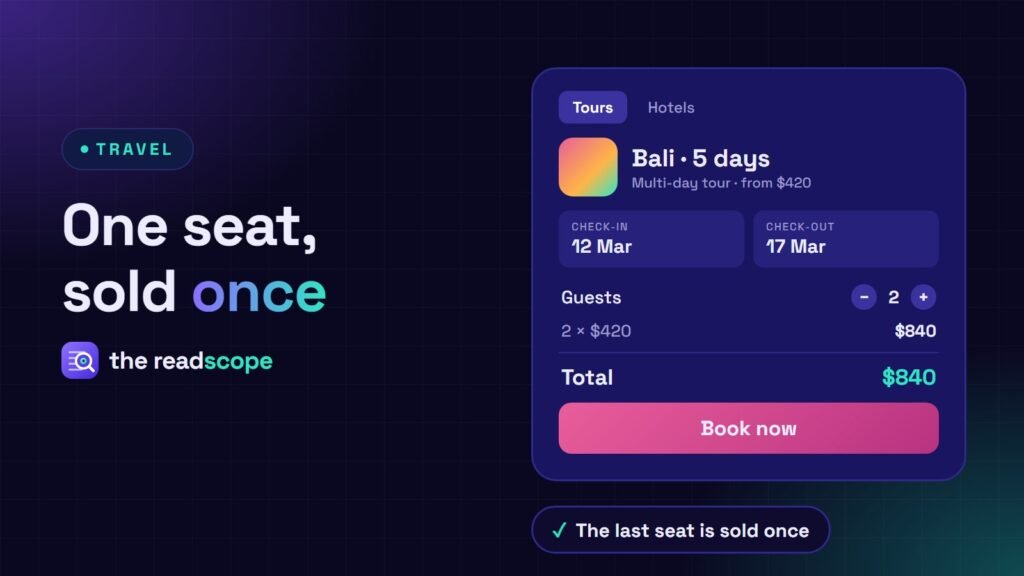
The fix is to make “check the seat” and “take the seat” one step that cannot be interrupted. The plugin stores availability in its own database tables and uses a database transaction with row-level locking. While one booking is being saved, a second request for the same seat or room waits, and then sees the real number.
Step 1: Add your tours and hotels
Tours and accommodation share one engine, so you set them up the same way and prices and confirmations behave the same for both.
- Tours: choose single-day, multi-day, hourly or fixed departure. Add destinations and activities so visitors can browse.
- Hotels: create the hotel, then add room units under it. Each room has its own price, bed configuration and capacity limit.
Open Readscope Booking → Dashboard and you can import sample data to see how a finished tour and hotel look before you enter your own.
Step 2: Write an itinerary people can follow
A multi-day tour sells better when the traveler can see each day. The itinerary builder is a repeater: add a day, write what happens, and note included meals and activity highlights. Next to it, list what the price includes and what it does not. The inclusions and exclusions checklist is shown as a visual list on the tour page, which cuts the questions you would otherwise answer by email.
Step 3: Let the booking panel do the maths
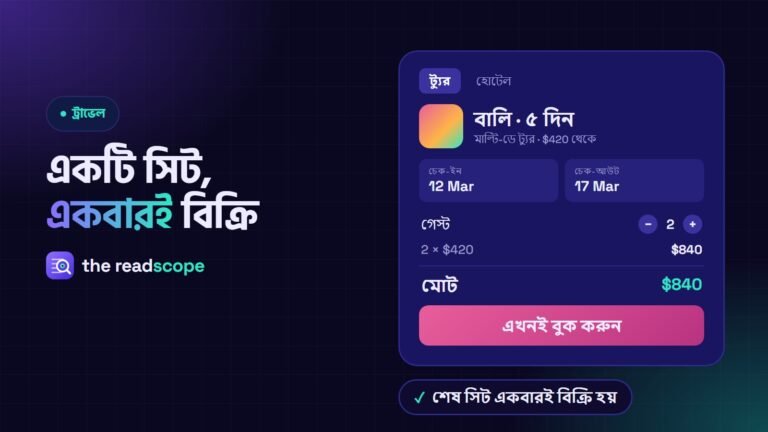
On a single tour or hotel page the booking panel shows a date range selector and guest counters with plus and minus buttons. The price breakdown updates as the traveler changes the dates or the number of guests, so the total is clear before they commit. The panel runs without jQuery.
You can also place the panel on any page with a shortcode:
[readscope_booking_panel item_id="123" item_type="tour"]Other shortcodes show a grid of tours or hotels, a search bar and a filtered search page:
[readscope_tours columns="3" count="6" destination="bali"]
[readscope_hotels columns="3" count="6"]
[readscope_search_bar]
If you use the block editor or Elementor, there are matching blocks and widgets, so you do not need to type shortcodes.
Step 4: Start with offline checkout
You do not need an online payment gateway to start. The free plugin has its own checkout: travelers book instantly and pay by bank transfer, cash on arrival, or by following payment instructions you write. Both the traveler and you receive a clear HTML confirmation email.
Two pages help after the booking:
[readscope_booking_lookup]lets a traveler find a booking with the booking code and email, and print a voucher.[readscope_my_bookings]is an account page where travelers see their bookings, vouchers and can cancel themselves.
Step 5: Handle privacy from day one
Bookings contain names, emails and phone numbers, so decide how you will handle them before the first booking:
- Turn on the optional consent checkbox. The plugin records the version of the text and the time, as an audit trail.
- Requests from the WordPress Export Personal Data and Erase Personal Data tools include bookings and inquiries. Erasing anonymizes the traveler’s details but keeps the financial lines your accounting may require.
- Choose whether to store IP addresses at all, and, if you want, set a period after which old bookings are anonymized automatically.
For a wider view, Do you need to keep a record of cookie consent? What to store, and what not to explains why a consent record matters.
When to add more
Everything above is free. A separate paid plugin, Readscope Booking Pro, adds a WooCommerce payment bridge, paid extras such as airport transfers, child and group rates, promo codes, PDF invoices with QR check-in and calendar sync with Airbnb, Booking.com, VRBO and Google Calendar. Add it when your business needs online payments or those extras, not before.
What this does not do
The free plugin does not take card payments by itself. It also does not change your homepage: the optional Travel Homepage Layout adds a ready-made storefront only if you switch it on. If you use webhooks to send bookings to another service, that is off by default, and you choose the address.
Frequently asked questions
Does the plugin need WooCommerce?
No. The free version has its own direct checkout for bank transfer, cash on arrival or your own payment instructions. A separate Pro add-on adds a WooCommerce payment bridge for people who want to use WooCommerce gateways. Q: How does it stop two people booking the last seat? A: Availability is stored in custom database tables and checked with MySQL row-level locks inside a transaction, so concurrent requests cannot both take the same seat or room. Q: Can I sell both tours and hotel rooms? A: Yes. Tours (single-day, multi-day, hourly and fixed departure) and hotels with room units are managed in the same plugin. Q: Will it change my homepage? A: No. The optional Travel Homepage Layout is off by default and only changes the homepage when you turn it on.