How to design a bento grid section in WordPress
Bento grids turn features, metrics and media into a tidy mosaic. Layout rules, content tips and accessibility checks for building one in WordPress.
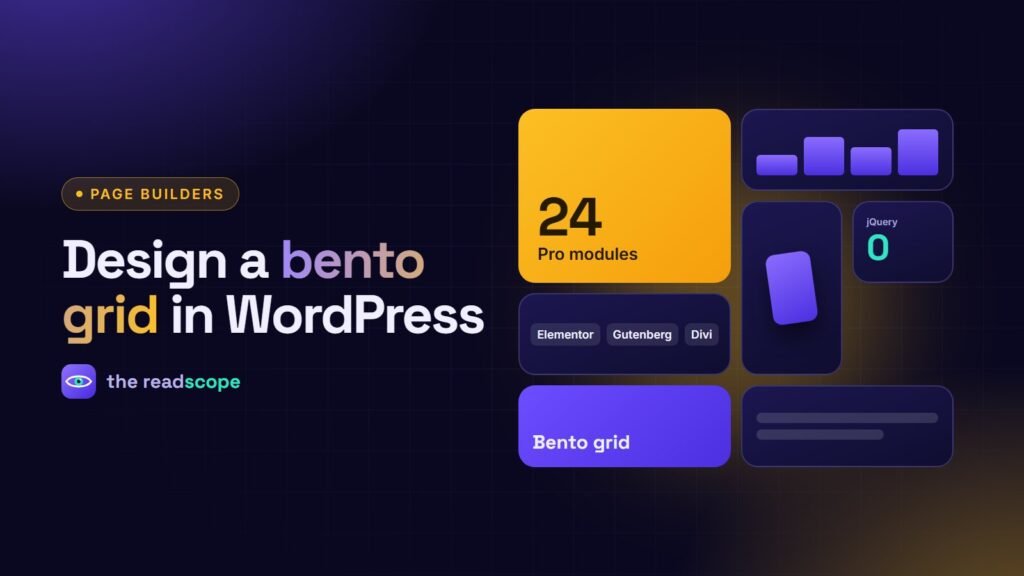
Bento grids took over feature sections because they solve a real problem: you have six or seven small ideas and you want people to see them all without scrolling through a long list. Done well, a bento grid gives hierarchy, rhythm and a little delight. Done badly, it is a pile of boxes. These are the rules that keep it tidy.
Start with the content, not the layout
Write down each tile as a single sentence first. If a tile needs two ideas, split it. Then rank them: one idea is the headline (your hero tile), two or three are strong supporting points, the rest are small facts.
Layout rules
- Use a 12-column base. Tiles span 4, 6, 8 or 12 columns, which divide cleanly.
- One hero tile. Make it twice the size of the others, usually top left.
- Consistent gaps. Pick one gap (for example 16 or 20 px) and use it everywhere.
- Consistent radius. Same corner radius on every tile.
- Fill the last row. Check there are no empty cells at the end of the grid.
- Limit to four to eight tiles.
Content rules per tile
- A short heading (2 to 5 words) and one line of text.
- One accent per tile: an icon, a number or an image, not all three.
- Numbers should have a label: “99.9%” alone means nothing.
- Do not put important text inside images.
Make it responsive and readable
| Screen | Layout |
|---|---|
| Desktop | Full mosaic, 12 columns |
| Tablet | Two columns; the hero tile spans both |
| Phone | One column, in the order of importance |
The visual order must match the order in the code, otherwise keyboard and screen reader users get a confusing sequence. Check text contrast on tinted or gradient tiles, and respect reduced motion if tiles animate or tilt on hover.
Build it in your builder
You can assemble a bento grid with native group or column blocks in Gutenberg, or with containers in Elementor and sections in Divi. The catch is keeping it identical when you change builders. Rawnaq includes a Bento Grid module that combines feature highlights, metrics and media in responsive layouts, with matching widgets, blocks and modules for Elementor, Gutenberg and Divi, written in vanilla JavaScript and loaded only on pages that use it.
Common mistakes
- Tiles of equal size that look like a plain card grid
- Too much text, so the mosaic becomes a wall
- Decoration that distracts from the one message you wanted
- Forgetting the mobile layout until the end
See also Elementor, Gutenberg or Divi: building interactive sections that work in all three for how to choose a widget library.
Frequently asked questions
What is a bento grid?
A layout of rectangular tiles in varying sizes, like a bento box, used to present several features or facts at a glance.
How many tiles should a bento grid have?
Usually four to eight. Fewer feels sparse; more becomes visual noise.
Are bento grids bad for accessibility?
Not inherently. Keep the reading order logical, ensure sufficient text contrast, and avoid putting essential information only inside images.
Can I build a bento grid in Gutenberg, Elementor and Divi?
Yes. You can use native column and group blocks, or a widget library that provides a bento module for each builder.