How to publish a Ramadan timetable page that people actually use
A good Ramadan page shows today first, lists sehri and iftar clearly, works on a phone and prints on one sheet. Here is a simple structure.
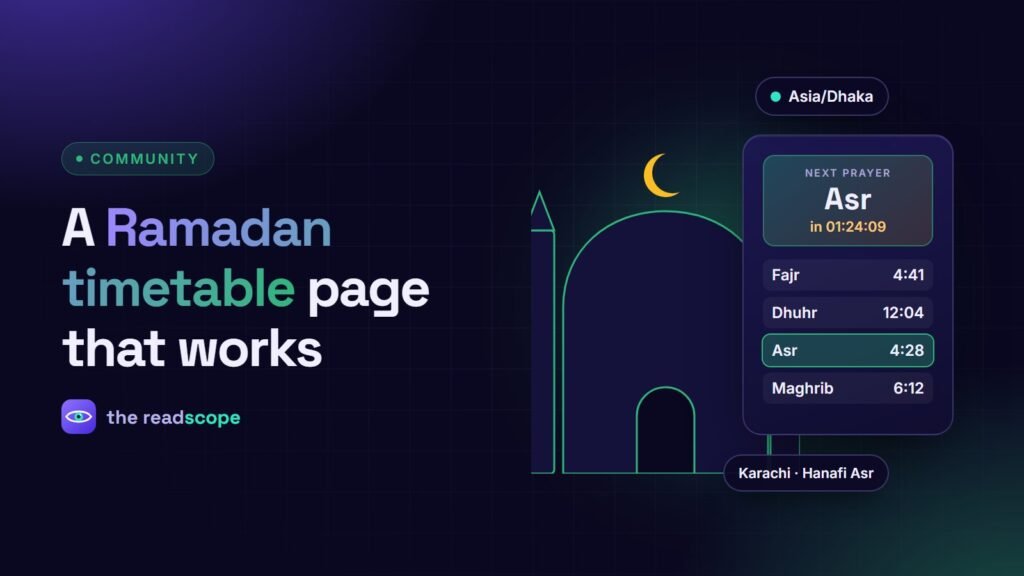
In Ramadan, your website is checked every day, often at the same two moments: before dawn and just before iftar. A page that answers “what time today?” in one glance earns a lot of goodwill. This is a simple structure that works for most masjids.
1. Put today first
At the top, show today’s date, the sehri end time and the iftar time in large type. Highlight today’s row in the full table as well. Visitors should not have to scroll or search.
2. Use a clean table, not an image
List all days in one table with these columns:
- Ramadan day number and date
- Sehri ends
- Fajr
- Iftar (Maghrib)
- Taraweeh
Use real text in the table, not a screenshot. Text works on small screens, can be found by search engines and is read properly by screen readers. See Tagged PDFs: how to make documents accessible on your WordPress site if you also offer a PDF.
3. Say how the times were calculated
Add one line naming the calculation method and the source. Different methods can differ by a few minutes, and people will ask. Add a reminder to confirm the times with your local religious authority or imam. This is especially important in the first and last days of the month.
4. Add what the community needs
- Taraweeh and qiyam schedule, with the reciter or number of rakats if you publish it
- Daily iftar arrangements and how to sponsor one
- Laylat al-Qadr programme and Eid prayer times, once confirmed
- Zakat and Fitr donation information
- Parking and any road or opening-hour notes
5. Make it easy to carry
- Test on a phone first. Most people will open it there.
- Add a print stylesheet or a PDF so the timetable fits one A4 sheet for the fridge or notice board.
- Let people add the dates to their calendar if you can.
- Share the link in your social posts and on your lobby screen. See How to set up a prayer times TV display for your mosque lobby.
Keep it correct all month
Update the page quickly when a time changes, and say “Updated” with the date. If you run your site with MasjidOS, prayer times are calculated and shown for you, which removes a lot of manual editing. For the rest of your site, our A mosque website checklist: 12 things every masjid site needs covers what else to publish.
Frequently asked questions
What should a Ramadan timetable include?
Daily sehri end time, fajr, iftar (maghrib), taraweeh time, the date and the day number, plus the calculation method and any local notes.
Should the table be an image or a PDF?
Use real HTML text so it works on phones, in search and with screen readers. Offer a print-friendly or PDF copy as an extra.
How do I keep times correct?
Use one trusted source, state the method, and confirm with your local religious authority or imam before publishing.