Cookie banners and page speed: how to keep consent light
A consent banner should not slow your site or shift your layout. Practical ways to keep it light, and why loading tags after consent can help performance.
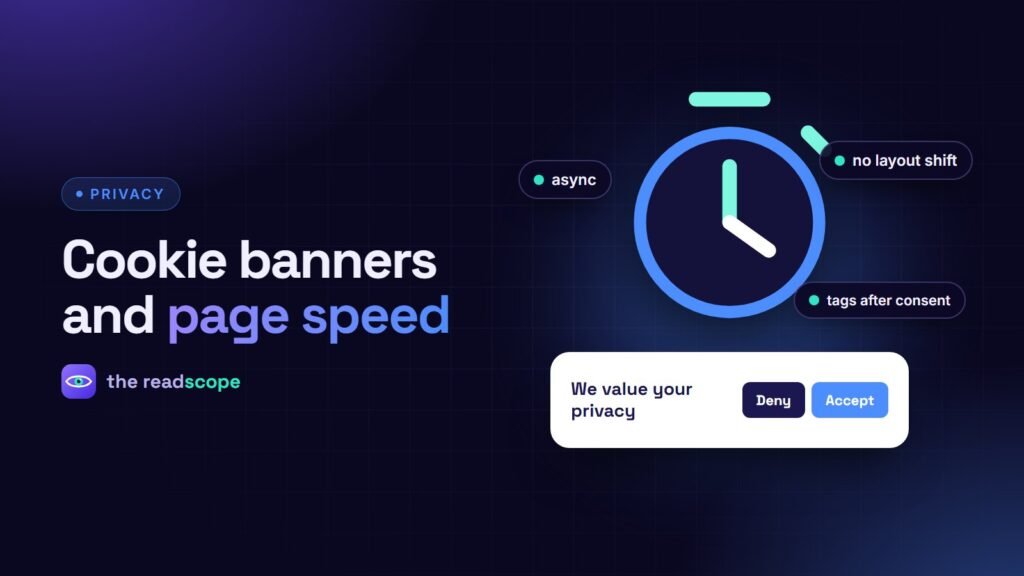
Every site owner has the same worry: “I need a cookie banner, but will it slow my pages?” It can, but only if it is built badly. A good banner adds very little weight, and the tags it controls can even make first visits faster. Here is what to check.
Four ways banners hurt performance
- Heavy scripts. Some consent platforms load hundreds of kilobytes before showing a single button.
- Render-blocking assets. CSS or JavaScript in the head that delays first paint.
- Layout shift. A banner that appears after the page loads and pushes content down hurts Cumulative Layout Shift (CLS).
- Extra connections. Scripts and fonts from other domains add DNS lookups and connections.
How to keep it light
- Pick a small tool. Compare the transferred size of the banner script and CSS in the network tab.
- Load it asynchronously, never blocking the page’s first render.
- Use a fixed or overlay position (bottom bar or corner card) so nothing moves when it appears.
- Use system fonts or your site’s existing fonts for the banner text.
- Self-host everything the banner needs.
- Remember the choice so returning visitors never see or load the banner UI again.
The hidden speed win: load tags after consent
Tag Manager and the tags inside it are often the heaviest third-party code on a page. If they only load after the visitor chooses, a first-time visitor who declines never downloads them at all. For this to work with Google products, set Consent Mode defaults first. See Google Consent Mode v2 for WooCommerce, in plain English.
Check cache compatibility
Page caches can serve a stale banner state to new visitors, or minify the consent script into the wrong order. Look for documented support for the caching plugins you use, and test in a private window after enabling caching.
What “light” looks like in practice
Consentaro is built around this idea: a small Accept, Deny and Customize banner, Consent Mode v2 defaults, Tag Manager loading only after a choice (or when a banner is not required), and front-end assets that load only when needed. It also works with WP Rocket, LiteSpeed Cache and W3 Total Cache. It is a tool, not legal advice, so make sure your privacy policy matches what your site actually does.
A quick test routine
- Run Lighthouse on your home page in a private window, once with the banner and once with it disabled.
- In the performance panel, check for layout shift when the banner appears.
- Test on a mid-range phone with a throttled connection.
- Confirm no tracking requests fire before consent.
Related: Do you need a cookie banner? A plain-English guide.
Frequently asked questions
Do cookie banners affect Core Web Vitals?
They can. A banner that appears late and pushes content down hurts Cumulative Layout Shift, and large consent scripts can delay interactivity. A lightweight, fixed-position banner avoids this.
Can loading Google Tag Manager after consent improve speed?
Often yes for first-time visitors, because the container and the tags inside it do not load until the visitor chooses. Your measurement setup must still handle that correctly.
Should the banner be loaded from a CDN?
Self-hosting avoids an extra connection and keeps visitor data off third-party servers, which also helps privacy.
How do I test the performance impact?
Run Lighthouse with and without the banner, check layout shift in the performance panel, and test on a mid-range phone with throttled network.