Elementor, Gutenberg or Divi: building interactive sections that work in all three
Timelines, bento grids, diagrams and scrollytelling in Elementor, Gutenberg and Divi: what to look for in a widget library so your pages stay fast.
Interactive sections, like a scroll-synced timeline, a bento grid of features, a radial diagram or a before-and-after story, make a page feel designed. Every major WordPress builder can produce them. What differs is how much weight they add and how locked-in you become.
Start with the builder your team already uses
- Gutenberg (block editor) is built into WordPress, has no extra license and keeps content portable.
- Elementor offers fine visual control and a large widget ecosystem.
- Divi provides a visual builder with its own module system, popular with agencies.
Switching builders is expensive. Do not choose one only for a single widget.
What makes a widget library “light”
- Vanilla JavaScript with no jQuery dependency on the frontend.
- On-demand loading: CSS and JS load only on pages that actually contain the widget.
- Accessible output: keyboard operable, labelled controls, respects reduced motion.
- Clean markup: no deep nests of wrapper divs.
- Privacy-aware: no external fonts or trackers added silently.
The same module in three builders
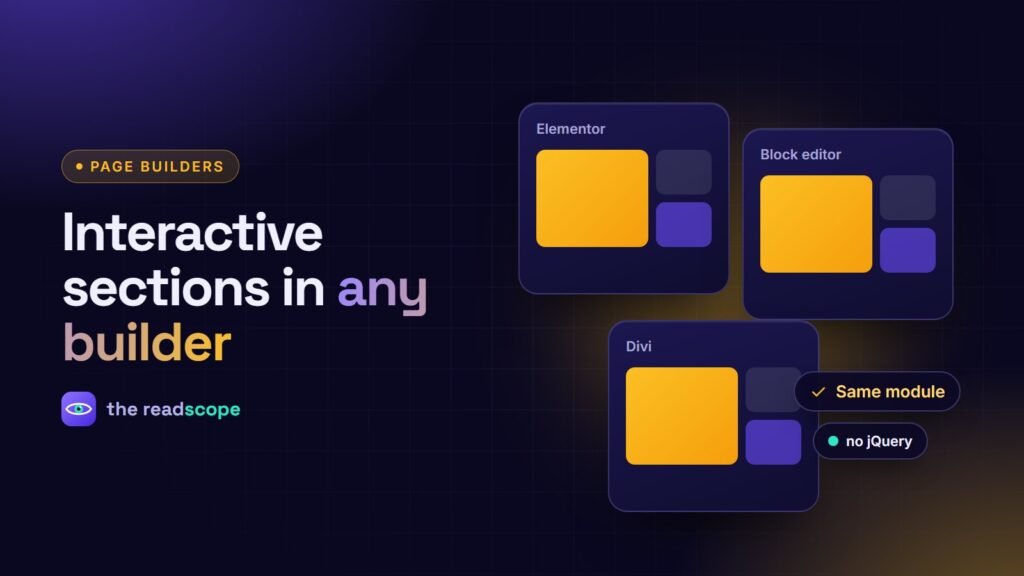
The cleanest way to avoid lock-in is a library that ships the same module for each builder, so a bento grid in Elementor looks and behaves like the one in Gutenberg or Divi. Rawnaq is built this way: 10 free modules (Smart Form, Hub Diagram, Flow Chart, Scroll Sync Timeline, Floating Dock, Bento Grid, 3D Tilt Card, Scroll Story, Scroll Progress and TOC, Case-Study Grid) with matching widgets, blocks and modules, plus Pro modules for quotes, calculators, sliders and more.
Use motion with care
- Do not hide essential content behind scroll animation.
- Honor
prefers-reduced-motion. - Keep one idea per section; a page full of effects is tiring.
- Test on a mid-range phone, not just your laptop.
A quick audit before you install
- Add the widget to a test page, then open the network tab.
- Check which scripts and styles load, and from where.
- Test with the keyboard only.
- Compare page weight before and after.
For lead capture sections specifically, see Multi-step lead forms in WordPress: how to build one that people finish.
Frequently asked questions
Which page builder is best for interactive sections?
There is no single winner. Choose the builder your team already knows, then pick a widget library that supports it well and keeps pages light.
Do widget libraries slow down WordPress?
Heavy ones can, especially if they load all scripts on every page or depend on jQuery. Look for on-demand asset loading and small, vanilla JavaScript code.
Can I use the same interactive sections in Elementor and Gutenberg?
Some libraries ship the same module for several builders, so the output and settings match. Check this before committing.
How do I keep a site portable between builders?
Prefer standards-based markup, avoid builder-locked features for content that matters, and keep widgets focused on presentation.