PDF or web page? When to publish each in WordPress
Web pages are the default for content, PDFs are for print and formal documents. A short guide to choosing, and how to offer both well.
Many sites default to uploading a PDF because it is quick. Visitors then have to download it, pinch and zoom on a phone, and hope it was made accessibly. Often a web page would have served them better. Here is a simple way to decide.
Choose a web page when…
- the content is meant to be read on screen: guides, policies, news, product information
- it will change, so you want to edit one place and keep a single version
- you want search engines, links and analytics to work well
- it should work on small screens without zooming
- accessibility matters and you do not have time to remediate a PDF
Choose a PDF when…
- people will print it or fill it in: forms, certificates, posters
- layout must stay exactly fixed: brochures, annual reports, price lists
- you need a snapshot that does not change: minutes, contracts, versions
- the content is long and people want to save it for offline use
The best answer is often both
- Publish the key content as a web page, with headings and a summary.
- Add the PDF as a download for printing, with link text like “Download the 2025 report (PDF, 2.4 MB)”.
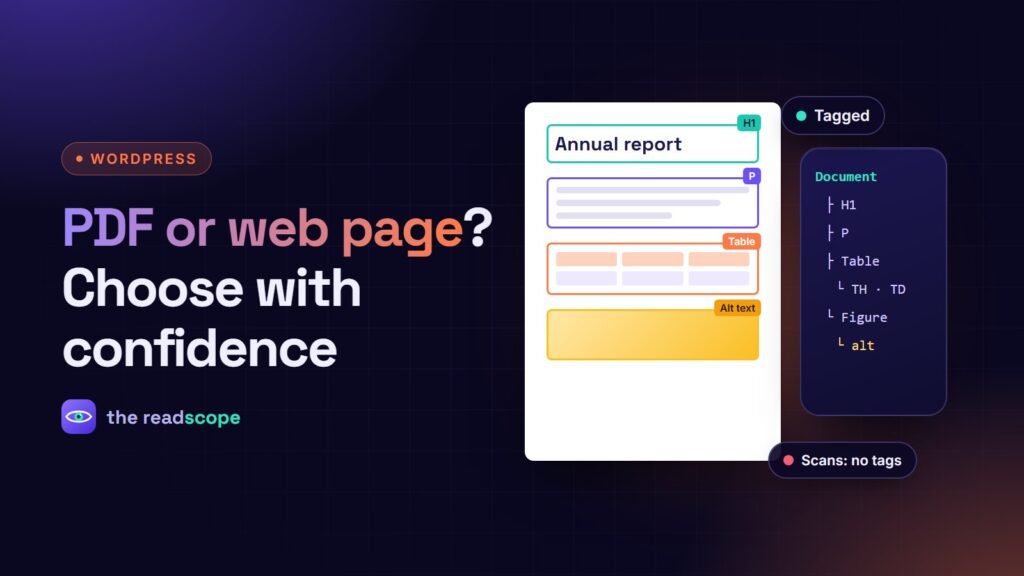
- Make the PDF accessible: real text, tags, reading order, a title and alt text. See Tagged PDFs: how to make documents accessible on your WordPress site.
- For larger collections, show them in a library with search. See How to build a searchable PDF document library in WordPress.
If you embed PDFs
When a document should be read inside the page, use a viewer that is fast, keyboard friendly and does not send your files to another company. Our post on How to embed a PDF in WordPress without a CDN covers the options, and Foliora is built for exactly that.
Frequently asked questions
Are PDFs bad for SEO?
Search engines can index text PDFs, but a web page is easier to link, update and measure, and usually ranks and converts better for general content.
When is a PDF the right choice?
For documents people print, sign, archive or receive as a fixed layout, such as forms, annual reports and brochures.
Can I offer both?
Yes. Put a summary on a page and link the PDF as a download, with the file size and a descriptive link text.