Is your WordPress contact form GDPR-friendly? An 8-point check
A contact form collects personal data, so it needs a purpose, a notice and sensible spam protection. Eight checks you can finish in one sitting.
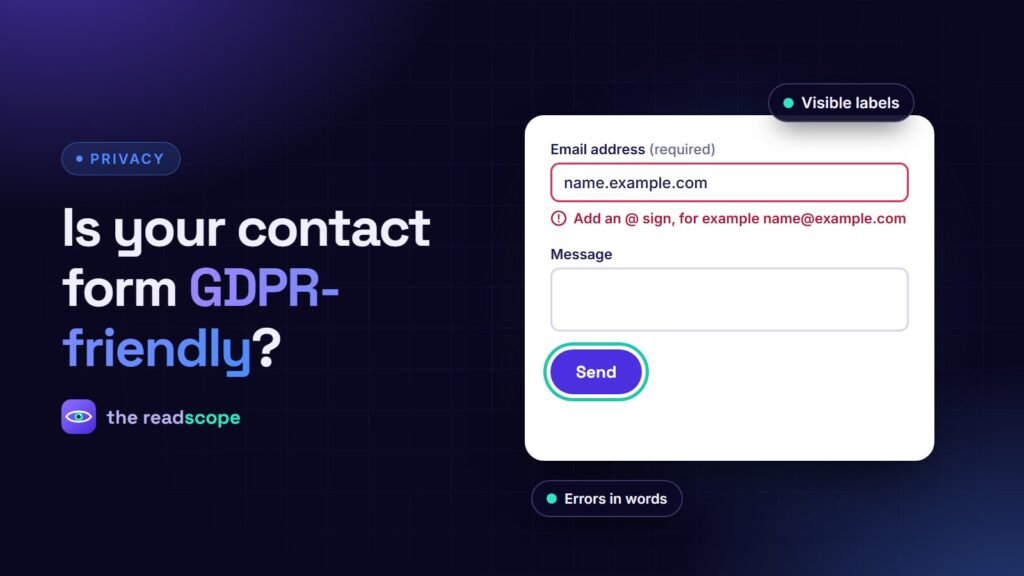
A contact form looks harmless, but it collects names and email addresses, sends them across the internet and often stores them in your database and a mailbox. Under GDPR and similar laws that makes it worth ten minutes of attention. This is general information, not legal advice, so check your own situation with a qualified professional.
The 8-point check
- Ask only what you need. Name, email and message are usually enough. A phone number, company size or address needs a reason.
- Say why, next to the form. One short line such as “We use your details only to answer your message” plus a link to the privacy policy.
- Do not pre-tick boxes. If you offer a newsletter, make it a separate, unticked checkbox with its own wording. Do not bundle it with sending the message.
- Choose spam protection carefully. A honeypot field, a time check and rate limiting work without third parties. If you use a captcha service, disclose it in the privacy policy and in your consent setup.
- Know where messages go. Email delivery services, form plugins and helpdesks are processors. List them in your privacy policy.
- Do not keep entries forever. If a plugin stores submissions in the database, set a retention period and delete old entries. Clear out the mailbox too.
- Use HTTPS on the page with the form and on the form target.
- Have a process for requests. People can ask what you hold and ask you to delete it. Decide who answers and how, and write it down.
What a good notice looks like
We use your name and email only to reply to your message. We keep messages for up to 12 months. Read our Privacy Policy for your rights and how to contact us.
Adjust the period to your own practice. The important part is that what you write is true.
Where cookie consent fits in
A plain contact form does not need cookies. But if the page also loads analytics, a chat widget or an embedded map, those need a consent decision before they run. See How to block Google Analytics and Meta Pixel until visitors consent and Do you need a cookie banner? A plain-English guide. A tool such as Consentaro handles that part so the form page stays clean.
Frequently asked questions
Does a contact form need a consent checkbox?
Not always. Answering an enquiry can rest on legitimate interest or steps before a contract. A checkbox is needed when you add people to a newsletter or use the data for another purpose.
Is Google reCAPTCHA a problem under GDPR?
It loads a third-party script and sends data to Google, so it must be disclosed and may need consent depending on your setup. A honeypot field and a time check avoid the issue.
How long can I keep messages?
Only as long as needed to deal with the request. Pick a period, write it in your privacy policy and delete on schedule.