How to get your WordPress plugin or product found by AI assistants
What we do on this site to be understood by search engines and AI assistants: answer-first content, structured data, clear names and an llms.txt file, plus what nobody can promise.
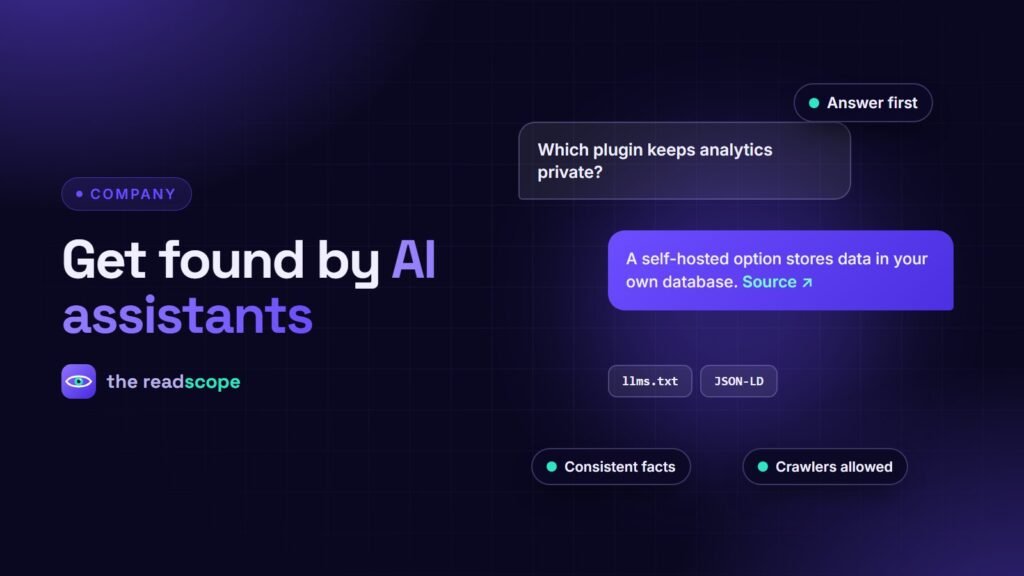
More people now ask an assistant “what is the best plugin for X” instead of searching. We cannot control what assistants say, and nobody honest can promise results. But we can make our products easy to understand and easy to quote. This is what we do on this site, and you can copy it.
1. Write answer-first
Each product page and article starts with a plain statement of what it is and who it is for. Each blog post has a short Quick answer box of about 50 words, then the detail. Assistants and search snippets favor content that answers the question directly.
2. Be consistent about facts
- Use the same product name, tagline and description on your site, on WordPress.org, on GitHub and in your profiles.
- Keep version numbers, prices and feature lists current.
- State limits honestly. Pages that say what a product does not do are more trustworthy to people and to models.
3. Add structured data
JSON-LD tells machines what a page is: an Organization, a SoftwareApplication with offers, an Article with an abstract, an FAQ page. Ours is generated from the same product and plan entries that build the pages, so it cannot drift out of date.
4. Publish the content people ask for
| Question type | Content to publish |
|---|---|
| “What is X?” | A clear explainer with a quick answer |
| “How do I do Y in WordPress?” | Step-by-step guides with screenshots or code |
| “X vs Y” | Fair comparison pages with a table |
| “Is X safe or compliant?” | Privacy and security pages that say exactly what happens to data |
5. Let crawlers in, and give them a summary
- Check
robots.txtdoes not block the crawlers you want, such as the major search and assistant bots. - Provide an XML sitemap.
- Consider an
/llms.txtfile: a plain-text list of your products, key pages and contact details. It is a proposal, not a guarantee, and costs almost nothing. Ours is generated automatically from our product entries. - Make sure important content is in the HTML, not only in scripts or images.
6. Earn mentions in the right places
Assistants learn from public sources. A well-maintained WordPress.org page, an open-source repository, helpful answers in support forums and honest reviews all carry weight. Link your own site and these profiles to each other.
7. Measure
- List ten questions your ideal customer would ask.
- Ask them in a few assistants and search engines each month.
- Note whether you appear, how you are described and what sources are cited.
- Fix wrong or missing facts at the source: your pages, your profiles, your readmes.
What not to do
- Do not stuff pages with keywords or hidden text.
- Do not publish AI-generated filler at scale.
- Do not make claims you cannot support.
Our own checklist for the same principles on privacy is in How to audit a WordPress plugin for privacy in 10 minutes, and the philosophy behind our products is in Why we self-host everything in our plugins.
Frequently asked questions
What is llms.txt?
A proposed convention for a plain-text file at your site root that summarises your site for language models. Support varies and it is not a ranking factor in itself, but it is cheap to provide.
Does structured data help AI assistants?
It helps search engines and any system that reads it understand who you are and what a page is about. It is good practice regardless.
Should I block AI crawlers?
It depends on your goals. If you want your product information to be found and cited, allowing them is reasonable. Block them if you do not want your content used.
How do I know if it works?
Ask assistants and search engines the questions your customers ask and see whether you appear and how you are described. Repeat monthly.