Flipbook PDFs in WordPress: self-hosted or a hosted service?
Page-turning flipbooks look great for catalogs and magazines. Compare self-hosted and hosted options on privacy, speed, cost and accessibility.
Catalogs, magazines, brochures and annual reports often look best as a flipbook: a PDF that turns pages like a real book. Two broad routes exist in WordPress, a hosted flipbook service or a viewer that lives on your own site. Here is how to choose.
Hosted flipbook services
Good: fast to start, polished templates, no installation.
Watch out for:
- Your document is uploaded to, and served from, a third party.
- Visitors’ browsers connect to that third party, which matters for privacy policies.
- Pricing usually scales with documents or views, monthly.
- If the service closes or changes terms, your embeds can disappear.
Self-hosted viewers
Good: files stay in your Media Library, no third-party requests, one-time or plugin pricing, and you control the controls.
Watch out for: you are responsible for large files and caching, and quality varies between plugins.
Features to compare
| Feature | Why it matters |
|---|---|
| Page-curl flipbook plus plain page view | Some readers prefer a simple scrolling or single-page view |
| Single-page fallback on phones | Spreads are unreadable on narrow screens |
| Touch: pinch to zoom, swipe to turn | Expected on mobile |
| Keyboard control and labelled buttons | Accessibility |
| Searchable text | Find words inside the document |
| Library of documents | Catalogs often have many files |
| Cache plugin compatibility | Minifiers can break viewers |
A self-hosted example
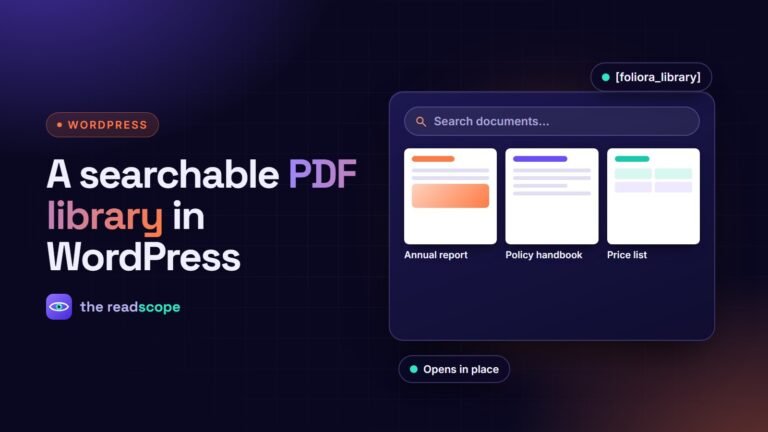
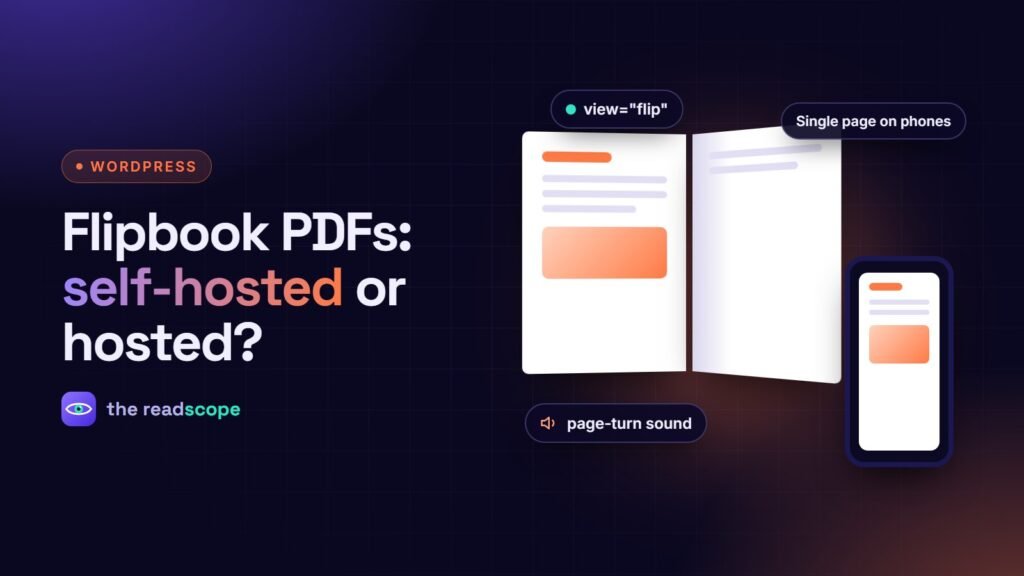
Foliora is a self-hosted viewer that ships with its own PDF.js build. Use view="flip" for the 3D flipbook, with a realistic page curl and a short page-turn sound generated in the browser (no audio files). Spread and flipbook views fall back to a single page on screens under 640 px, and touch pinch and swipe are supported. It also includes a document library grid with search, keyboard controls, screen reader page announcements and an accessibility check that flags untagged PDFs. PDF text can be indexed so WordPress search finds words inside embedded documents.
Practical tips for any flipbook
- Export the PDF with the right page size and compressed images, and keep it as small as quality allows.
- Always give a plain link to the PDF for people who prefer it, and as a no-JavaScript fallback.
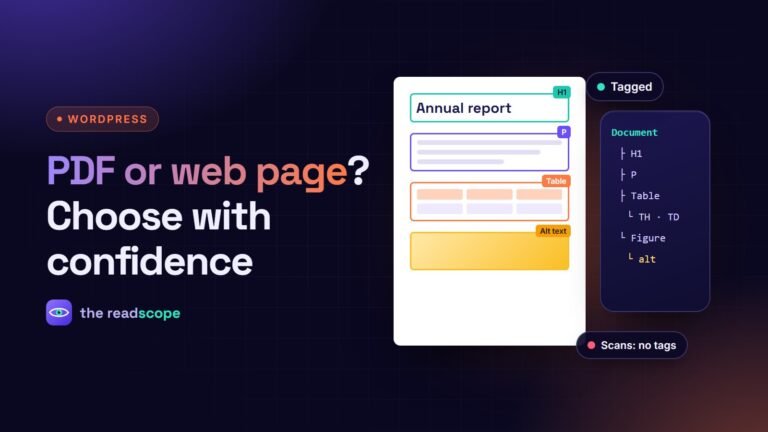
- Export a tagged PDF so screen readers can read the source. See Tagged PDFs: how to make documents accessible on your WordPress site.
- Test on a phone before launch.
- Do not hide important information only inside the flipbook; repeat key details in page text.
For general embedding approaches, read How to embed a PDF in WordPress without a CDN.
Frequently asked questions
What is a PDF flipbook?
A viewer that displays a PDF as a book with page-turning animation, usually with zoom, fullscreen and sharing controls.
Are flipbooks good for mobile?
Two-page spreads are hard to read on narrow screens, so good flipbooks fall back to a single page on phones and support pinch-to-zoom and swipe.
Are flipbooks accessible?
The animation itself is visual, so provide keyboard controls, labelled buttons, screen reader page announcements and a plain link to the PDF as a fallback.
Can search engines index flipbook content?
Text inside a flipbook is often invisible to search. Indexing the PDF text on your own site, and offering a plain link, helps.