How to publish accurate prayer times on a mosque website
Calculation method, Asr school, timezone and iqamah: the settings that decide whether your mosque website matches the printed timetable.
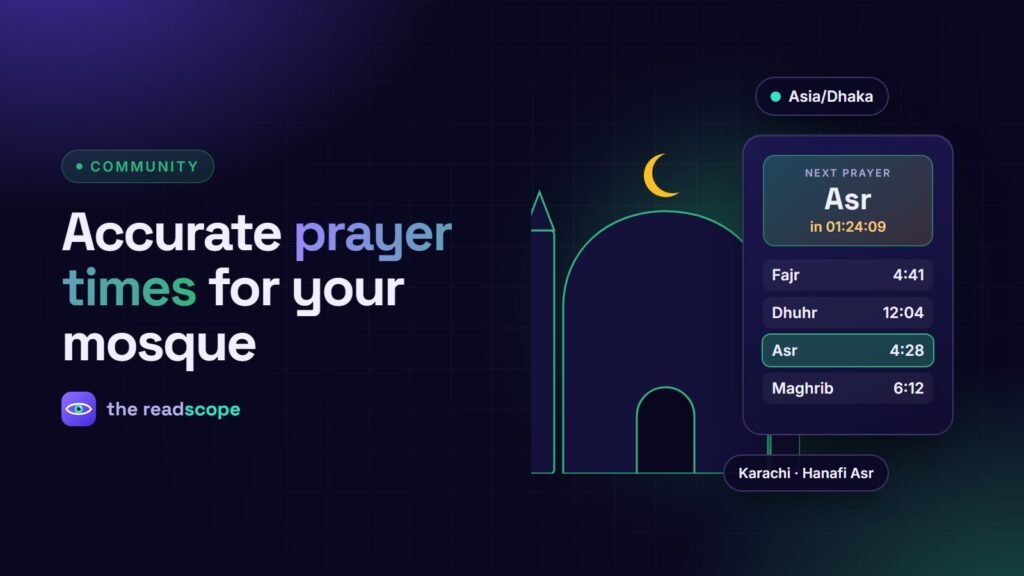
A mosque’s website is often the first place worshippers check the day’s times. If it disagrees with the printed timetable on the wall, trust drops quickly. The good news: mismatches nearly always trace back to a few settings. This guide explains them in plain language.
The four inputs that decide every time
- Location: latitude and longitude of the mosque, not just the city name.
- Timezone: use the real local zone (for Dhaka, Asia/Dhaka), never UTC.
- Calculation method: defines the sun angles used for Fajr and Isha.
- Asr school: standard or Hanafi.
Common calculation methods
| Method | Fajr angle | Isha angle |
|---|---|---|
| Muslim World League | 18° | 17° |
| ISNA (North America) | 15° | 15° |
| University of Islamic Sciences, Karachi | 18° | 18° |
| Egyptian General Authority | 19.5° | 17.5° |
Which method to use is a local decision. Ask your committee or local religious authority what the printed timetable follows, then choose the same one.
Standard vs Hanafi Asr
Standard Asr starts when the shadow of an object equals its height (added to the shadow at noon). Hanafi Asr starts when the shadow is twice the height. The Hanafi time is later, which can be a difference of around an hour in some seasons, so this setting must match your community’s practice.
Adhan vs iqamah
Calculated times mark the start of each prayer window. The congregation prayer (iqamah) is set by the mosque, often a fixed number of minutes later, or a fixed clock time for some prayers. Publish iqamah separately so visitors see both.
Match the printed board with adjustments
Some timetables round times or add a safety margin, for example a few minutes after sunset for Maghrib. A per-prayer minute adjustment lets the website match the board without changing the method.
Calculate locally or fetch from an API?
Calculating on your own server means no third-party request, no API key and no downtime from someone else’s service. MasjidOS does this by default: prayer times are calculated from coordinates, timezone and method, with per-prayer adjustments, iqamah times, a Hijri date with a moon-sighting offset and a monthly timetable. An optional online source is available if a committee prefers it.
A five-minute setup checklist
- Enter coordinates and the correct timezone.
- Choose the method and Asr school used on your printed timetable.
- Compare today’s times to the board and adjust minutes where needed.
- Add iqamah times.
- Put the widget on the home page and the monthly timetable on its own page. Show the TV display in the lobby.
Verify times with your local religious authority before publishing them.
Frequently asked questions
Why do my website prayer times differ from the mosque timetable?
The most common causes are a wrong timezone (for example UTC instead of the local city), a different calculation method, or a different Asr school. Match those first, then use small per-prayer adjustments.
What is the difference between adhan time and iqamah time?
Adhan is the call that marks the start of the prayer window. Iqamah is the second call, when the congregation prayer begins, usually set some minutes later by the mosque.
What is the difference between standard and Hanafi Asr?
Standard Asr begins when an object's shadow equals its length (plus the noon shadow). Hanafi Asr begins when the shadow is twice its length, so it starts later.
Can a mosque website work without an external prayer API?
Yes. Times can be calculated on your own server from coordinates, timezone and method, which avoids relying on a third-party service.